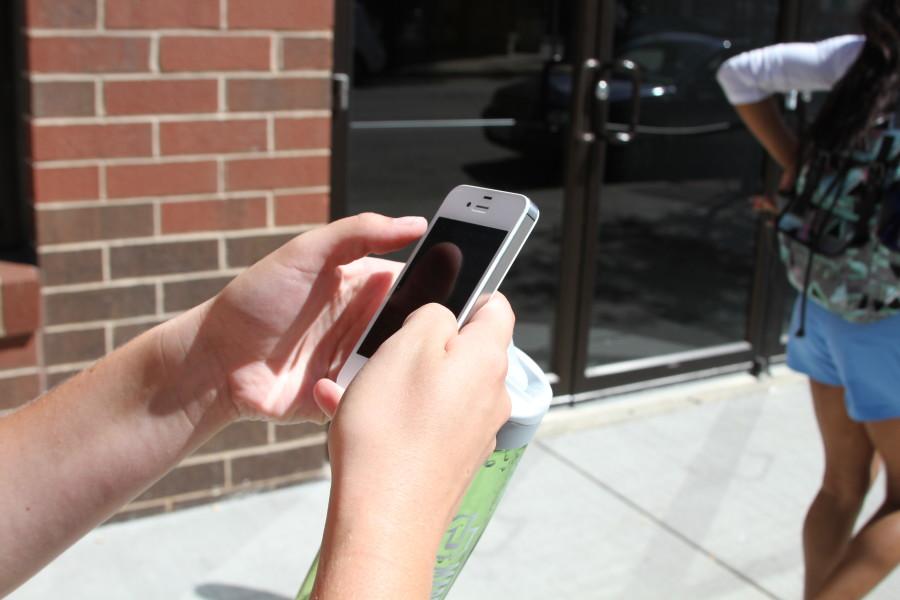


Students studying in the library, texting on the sidewalk and scrolling TikTok in dining halls all share one basic need: the internet.
The invisible system of airwaves connects those students with Marquette University’s on-campus Wi-Fi systems, most of which are reliant on the encrypted MUSecure network for their online needs.
The school-wide network bridges the gap to the digital world with access points set up across campus. Those access points work in the same way as an antenna-dressed home router, but they all connect to the same network — whether a building is on Wells Street or Clybourn Street.
“We have roughly 2,800 access points around campus,” Danny Smith, information technology project manager, said.
Those access points are placed methodically, with surveys dictating how buildings connect with the internet. Building materials, room design and the number of people using the Wi-Fi all factor into how many access points a building can hold and where they are placed within the walls.
Smith said large lecture halls, for example, may have multiple access points due to the quantity of students they hold.
Despite the calculated placement, some students still experience a battle with the internet on campus. Those failed connections and slow speeds halt their online studying, surfing and scrolling.
“Sometimes it’s not the greatest, especially during the heavy demand hours,” Drew Loutsis, a first-year in the College of Business Administration, said. “It’s mostly the inconsistency — [the Wi-Fi] will just drop for five to ten seconds, which, when you’re doing something is really annoying.”
Loutsis added that one of those drops in his connection took place during a test, which was frustrating.
In some other cases for students, the digital breakups are lower-stakes.
“It doesn’t connect to our TV,” Emma Salas, a first-year in the College of Nursing, said. “We have to use the open Wi-Fi and it never works.”
Although internet issues can be frustrating, Smith said, the problem may not be with the internet itself.
“When you’re having Wi-Fi difficulties, it could be our Wi-Fi system,” Smith said. “More likely, it’s probably your laptop — maybe the drivers aren’t up to date.”
The drivers that sit deep within a computer’s inner workings are built to connect to the internet, but some drivers aren’t equipped with the newest updates to perform their best.
As the online world evolves, Wi-Fi systems around the world are upgrading to the newest generation of internet, which aims to be faster and more reliable. Marquette is working to introduce the updated technology to its own systems, but some students may still have computers that aren’t equipped with the latest hardware.
Downloading those software updates, Smith said, can be crucial to getting a good internet connection on campus.
Other potential causes for poor connection include interference from other devices. Recent data from Information Technology, Smith said, found the average person has 4-5 devices connected to Marquette’s Wi-Fi networks.
“We’ve been advising faculty who do D2L quizzes at a large lecture hall; we tell them to have their students turn off their phones, disconnect any other things and just leave their laptop as the only thing connected,” Smith said.
However, in other cases, connectivity issues aren’t as easily fixable. Those problems, Smith said, are investigated on the regular, as access points are frequently added to buildings, floors and individual rooms to boost the network strength.
But the only way to find those weak spots, Smith said, is with a guiding hand to point them there.
“Contact the help desk,” Smith said. “It sounds cliché, but if we don’t know about it, we can’t fix it.”
This story was written by Lance Schulteis. He can be reached at [email protected].